

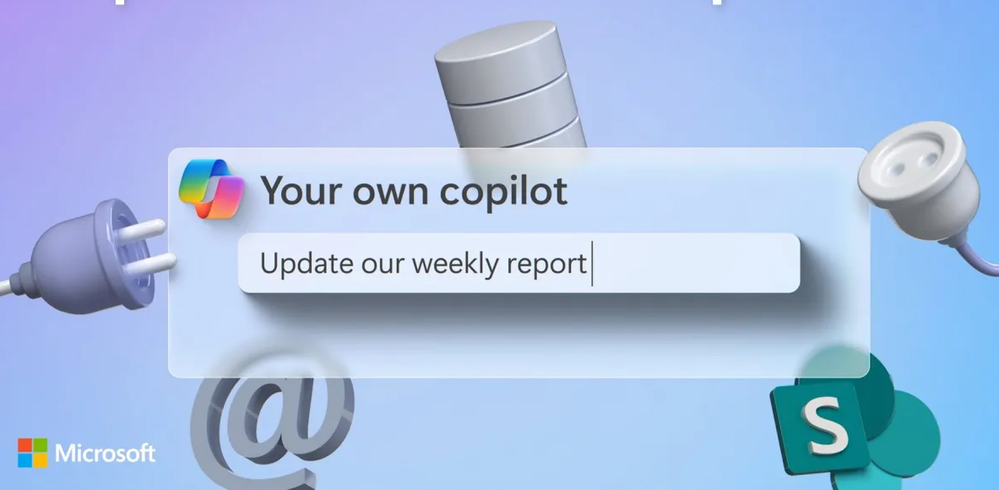
What Are Copilot Extensions?
Microsoft Copilot extensions are powerful tools that allow you to tailor Copilot to your unique needs. Whether you’re a developer, a business user, or an IT administrator, these extensions enhance your productivity by integrating tailored experiences and external data.
Types of Copilot Extensions
1. Microsoft Graph Connectors:
- Leverage data from Microsoft Graph (including SharePoint, OneDrive, email, calendar, and Teams) to personalize Copilot.
- Imagine a Copilot that seamlessly integrates with your organization’s data, providing context-aware suggestions and automating repetitive tasks.
2. Plugins:
- Extend Copilot’s capabilities by integrating with external systems or services.
- Create plugins that allow Copilot to interact with your favorite tools, such as project management platforms, CRM systems, or custom APIs.
3. Specialized Copilots:
- Build your own Copilot with unique skills and knowledge.
- Whether it’s a domain-specific Copilot for legal research, code review, or language translation, the possibilities are endless.
4. Multiple Customized Copilots:
- Imagine having a team of customized Copilots working together seamlessly.
- Each Copilot can focus on a specific task, collaborate with others, and maintain context across conversations.
How to Build Copilot Extensions
1. Copilot Studio:
- Start by creating your Copilot in Copilot Studio, a powerful development environment.
- Define its capabilities, interactions, and data sources.
2. Azure AI Studio:
- Use Azure AI Studio to fine-tune your Copilot’s language model and train it on specific domains.
- Customize its responses and behavior.
3. Teams Toolkit for Visual Studio Code:
- Bring your Copilot into Copilot as an extension using the Teams Toolkit.
- Seamlessly integrate it with Microsoft 365 and Teams.
4. External Data Sources:
- Plug into external data sources (such as databases, APIs, or web services) to enrich your Copilot’s knowledge.
- Keep it up-to-date with real-time information.
Benefits of Copilot Extensions
1. Reach More Users:
- Publish your Copilot extension to the Copilot marketplace.
- Reach a broader audience and help users be more productive.
2. Contextual Discovery:
- Drive contextual discovery of your apps and data.
- When users mention relevant keywords, your Copilot extension can proactively assist.
3. High-Quality User Experiences:
- Deliver seamless, intelligent interactions.
- Enhance productivity and streamline workflows.
Remember, with Copilot extensions, you’re not just using Copilot—you’re shaping it to fit your needs. So go ahead, unleash your creativity, and build your own intelligent assistant!