

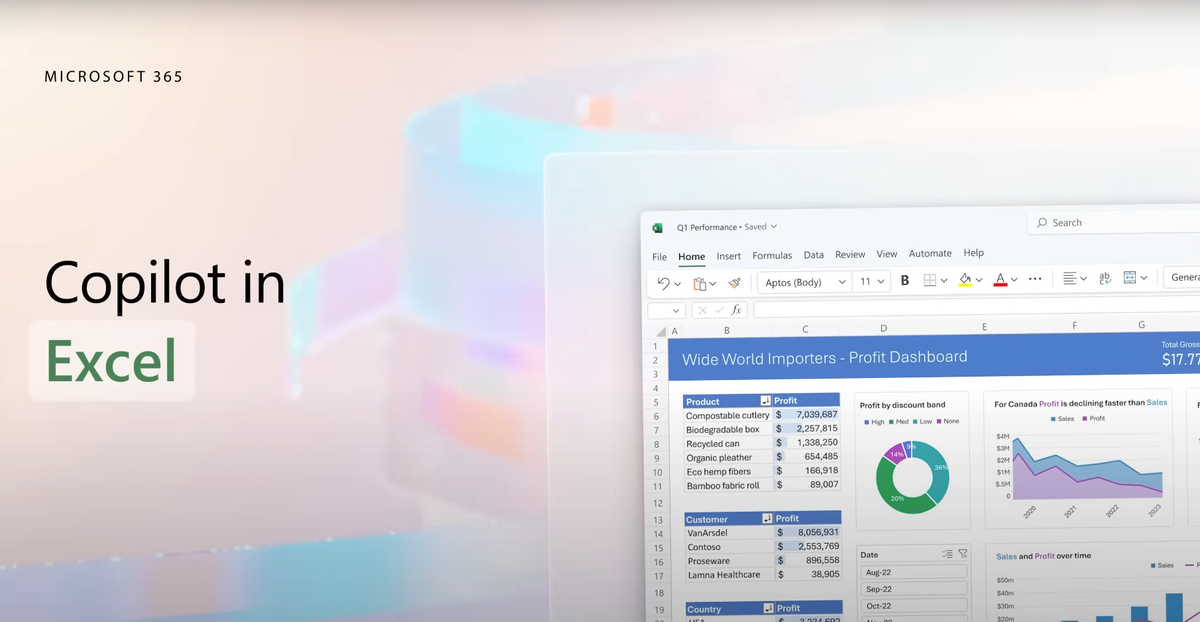
In the world of data management and analysis, Microsoft Excel has long been the go-to tool for professionals across industries. Its versatility and familiarity make it indispensable for tasks ranging from simple calculations to complex data analysis. However, despite its power, Excel can sometimes feel overwhelming, especially when dealing with large datasets or intricate formulas. Enter Microsoft 365 Copilot, a revolutionary addition to the Excel ecosystem designed to enhance productivity and streamline workflows like never before.
What is Microsoft 365 Copilot?
Microsoft 365 Copilot is an AI-powered assistant integrated directly into Excel, offering intelligent suggestions and insights to help users work more efficiently and effectively. It leverages the latest advancements in artificial intelligence and machine learning to understand user behavior, anticipate needs, and provide relevant recommendations in real-time.
Key Features and Benefits:
Smart Formula Suggestions:
One of the most powerful features of Microsoft 365 Copilot is its ability to suggest formulas based on context. Whether you’re performing a simple calculation or tackling a complex analysis, Copilot analyzes your data and offers suggestions for the most appropriate formulas to use. This not only saves time but also helps prevent errors by ensuring that formulas are accurately applied.
Data Insights and Visualization:
Understanding data is essential for making informed decisions, and Copilot makes this process easier than ever. By analyzing your dataset, Copilot provides insights and visualizations that highlight trends, patterns, and outliers. Whether you’re creating a chart, pivot table, or dashboard, Copilot offers suggestions to help you present your data in a clear and compelling manner.
Intelligent Formatting Assistance:
Formatting can be a tedious and time-consuming task in Excel, but Copilot simplifies the process with intelligent formatting assistance. Whether you’re applying conditional formatting, creating custom styles, or adjusting cell alignment, Copilot offers suggestions and shortcuts to help you achieve the desired look and feel for your spreadsheet.
Natural Language Queries:
With Copilot, interacting with Excel feels more intuitive than ever thanks to its support for natural language queries. Instead of memorizing complex functions or syntax, users can simply describe what they want to achieve in plain language, and Copilot will interpret their request and provide the appropriate solution. This makes Excel more accessible to users of all skill levels, from novices to seasoned professionals.
Seamless Integration with Microsoft 365:
As part of the Microsoft 365 ecosystem, Copilot seamlessly integrates with other productivity tools such as Word, PowerPoint, and Outlook. This allows users to leverage Copilot’s capabilities across multiple applications, ensuring consistency and efficiency in their workflows.
Case Studies:
Numerous organizations have already experienced the transformative impact of Microsoft 365 Copilot on their Excel workflows. From financial analysts to project managers, users have reported significant improvements in productivity, accuracy, and collaboration. Whether it’s automating repetitive tasks, uncovering valuable insights, or simplifying complex analyses, Copilot is helping users unlock the full potential of Excel like never before.
Conclusion:
Microsoft 365 Copilot represents a significant leap forward in the evolution of Excel, empowering users to work smarter, not harder. With its AI-powered assistance, intelligent suggestions, and seamless integration, Copilot is revolutionizing the way we use Excel, making it easier and more enjoyable to analyze data, create reports, and collaborate with colleagues. As organizations continue to embrace digital transformation, tools like Copilot will play an increasingly vital role in driving productivity and innovation in the workplace.