

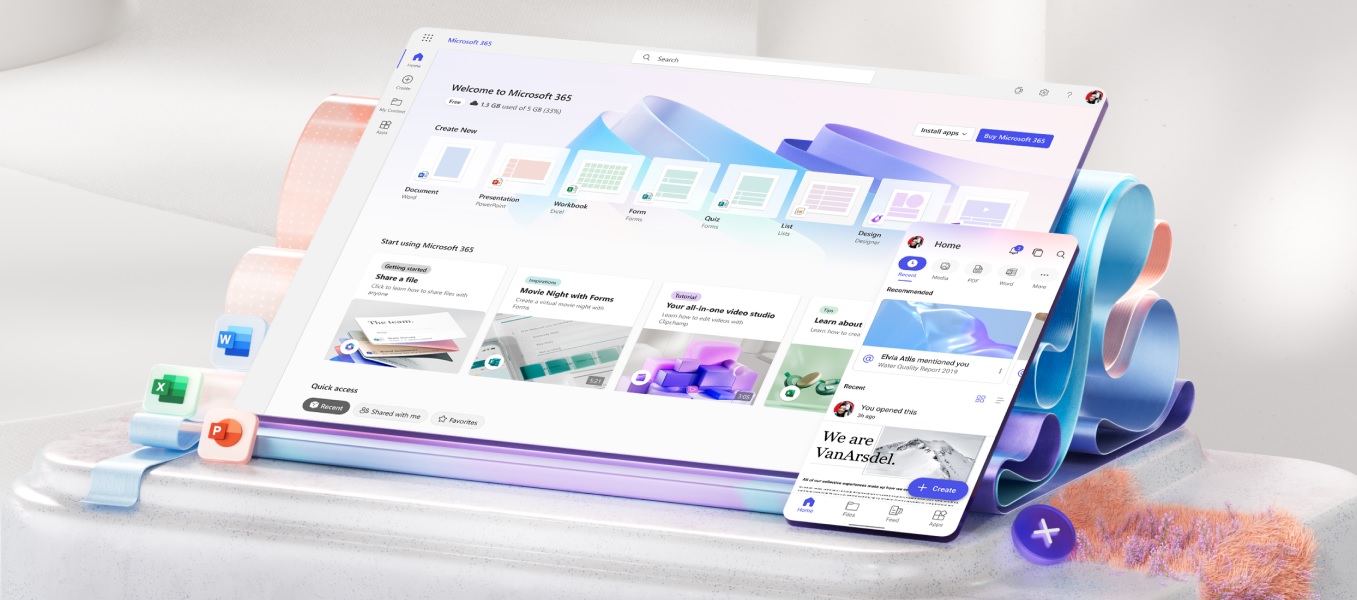
Exciting news echoes through the halls of productivity as Copilot makes its debut on the Microsoft 365 mobile app! The arrival of this innovative feature heralds a new era of efficiency and convenience for users, promising to revolutionize the way tasks are accomplished on mobile devices. In this blog post, we’ll take a closer look at Copilot and explore how it empowers users to maximize productivity while on the move.
Introducing Copilot: Your Mobile Productivity Partner
Copilot represents a leap forward in productivity technology, offering users intelligent assistance and personalized recommendations directly within the Microsoft 365 mobile app. Harnessing the power of AI, Copilot analyzes user behavior and preferences to provide contextually relevant suggestions, shortcuts, and insights tailored to individual workflows.
Key Benefits of Copilot
Personalized Support: Copilot adapts to your unique work style, learning from your interactions to deliver personalized assistance precisely when you need it. From drafting emails to organizing your schedule, Copilot’s recommendations are customized to fit seamlessly into your workflow.
Efficient Workflows: With Copilot by your side, mundane tasks become a breeze as the feature streamlines processes and automates repetitive actions. Whether it’s accessing recent documents, setting reminders, or collaborating with colleagues, Copilot accelerates productivity with intuitive suggestions and shortcuts.
Contextual Guidance: Copilot provides contextual guidance throughout your workday, offering timely insights and recommendations based on the task at hand. From suggesting relevant files to anticipating meeting topics, Copilot ensures you stay on track and focused on what matters most.
Seamless Integration: Seamlessly integrated into the Microsoft 365 mobile app, Copilot becomes an integral part of your mobile productivity toolkit. Whether you’re composing documents in Word, crunching numbers in Excel, or managing emails in Outlook, Copilot is always there to lend a helping hand.
Getting Started with Copilot
Excited to experience the benefits of Copilot? Getting started is a breeze! Simply update your Microsoft 365 mobile app to the latest version, and Copilot will be at your service, ready to enhance your productivity journey. Once enabled, you’ll immediately notice the difference as Copilot begins to anticipate your needs and offer valuable assistance throughout your day.
In Conclusion
With Copilot now available on the Microsoft 365 mobile app, users can expect a significant boost in productivity and efficiency. By harnessing the power of AI to deliver personalized support and streamline workflows, Copilot empowers users to accomplish more while on-the-go. Whether you’re a busy professional, a student on the move, or anyone in between, Copilot is your trusted companion for navigating the demands of modern life with ease. Don’t wait any longer—update your Microsoft 365 mobile app today and discover the power of Copilot for yourself!